



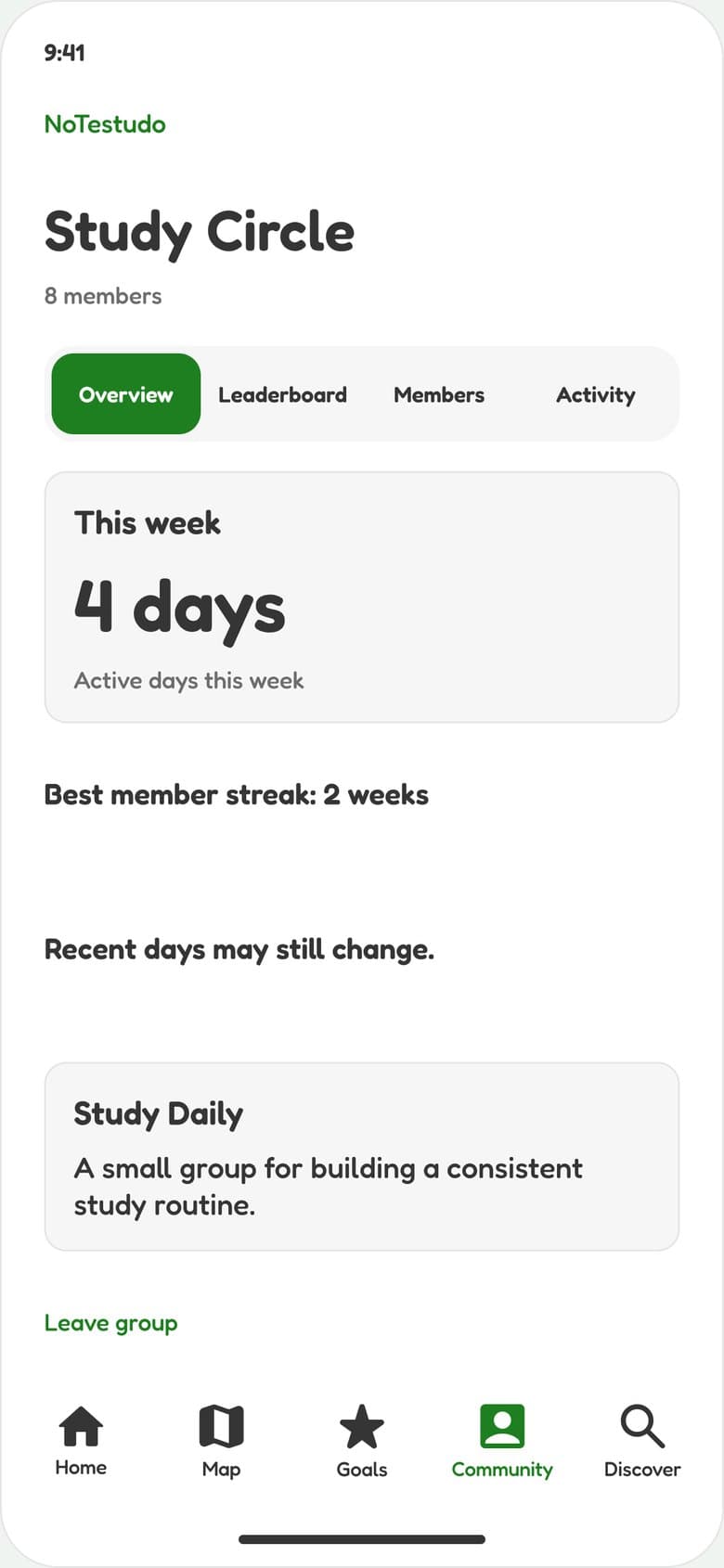
Study Daily
Study Circle
Library hours, together. Check in on weekdays.
Groups in NoTestudo are built around a shared goal. Members who share see each other’s streaks and on-track days, never each other’s places. Start one with friends and invite them with a code.
This week wraps up in a few days
Invite-only for now: ask someone on campus for an invite. Groups live in the app’s Community tab.
Invite code
S T D Y 4 2
Only members can see this code.
4 days
On-track days this week
These are ideas to start from. Every group gets a shared goal, an invite code and a weekly board. Name yours anything.
Study Daily
Library hours, together. Check in on weekdays.

Stay Active
Three gym visits a week, each, on one board.

Home Cooking
Fewer takeout runs, more simple dinners.

Get to Class
Every class this week, even the 8 a.m.
Real lines from the NoTestudo turtle, which reacts to where you are and cheers on this week’s goal. Pick Playful or Gentle in the app.
“You showed up. That counts.”
NoTestudo turtle
After a visit that counts
“Put the fries down slowly.”
NoTestudo turtle
At a place you’re cutting back on
“One stop doesn’t define your week.”
NoTestudo turtle
At a place you’re cutting back on
“Big turtle energy.”
NoTestudo turtle
On a good week
“Rise and shine. Slowly. I’m a turtle.”
NoTestudo turtle
First thing in the morning
“Turtle eyebrow: raised.”
NoTestudo turtle
At a place you’re cutting back on
“No rush. Tomorrow is a new clear day.”
NoTestudo turtle
After a slip
“Showing up is the hard part. Done.”
NoTestudo turtle
After a visit that counts
“I’m not mad. Okay, I’m a little mad.”
NoTestudo turtle
At a place you’re cutting back on
“Slow and steady still counts.”
NoTestudo turtle
Whenever you need it
“Go to bed. I’ll keep watch.”
NoTestudo turtle
Late at night

Groups see your streak and on-track days, never your places, visits, or money saved. Sharing is off until you turn it on for a group, and you can turn it off again whenever you like.
Group chats are great for making plans. NoTestudo groups are for keeping them, because the week fills in on its own.
Typical group chats
NoTestudo groups
Built for showing upIn the app, open Community, then Groups, and tap Create Group. Pick a shared goal and who can join.
Send the 6-character invite code. Friends tap Join with a Code. No phone numbers needed.
Members who turn on sharing appear on the weekly board as on-track days fill in. When Sunday is over, the week settles.
Get an invite from someone on campus, start a group and share the code. Your board fills in as the week goes, and it starts fresh on Monday.